LOGIC FEATURES
Build smarter surveys using logic
Make every question count. Survey logic helps you to personalise each respondent’s journey, capture more relevant data and deliver more actionable insights.


Personalise surveys in real time
With SurveyMonkey, you can build surveys that adapt instantly as people respond. Ask smarter follow-ups on the same page, skip what’s irrelevant and guide each person down the path that suits them best. Behind the scenes, advanced branching logic handles the branching, validation and custom data to deliver a seamless and personalised survey for your audience.


Show only the questions that matter
Use disqualification logic to filter the appropriate respondents through your survey. Use skip logic to ensure that respondents only see relevant questions. This makes for less noise, smoother experiences and higher-quality data.
Capture key details automatically
Pull in existing details, such as department or job title, via your survey link so that they are shown directly in your results. We provide you with a template URL that you can customise once you’ve finalised your design. This means that you will obtain cleaner data and a shorter, smoother survey without asking respondents for information that you already know.


Fine-tune follow-up questions
Use carry forward responses to funnel respondents through your survey based on how they answer a multiple choice question. This allows you to move from broader questions to specific questions that are more relevant to the respondent and more useful for your research.
Keep surveys flowing naturally
Make your surveys feel conversational. Use advanced piping to pull a respondent’s previous answers directly into later questions or text, creating a more personalised and engaging experience.


Reduce bias using randomisation
Use randomisation logic to shuffle pages, questions or entire blocks of content in order to eliminate order bias and ensure that your insights truly reflect how respondents think, without the influence of a predictable sequence.
Learn how to use our logic features
See where the logic features live in the product and how to use them to guide respondents through
your survey efficiently.
Logic is useful for any type of project

Get a handle on your buyers’ decision process
Understand how potential buyers view your product category. Use logic to uncover purchase intent and follow up automatically with relevant questions. For example, if a respondent is planning to switch tools, you can ask which brands they’re considering next.


Discover our capabilities
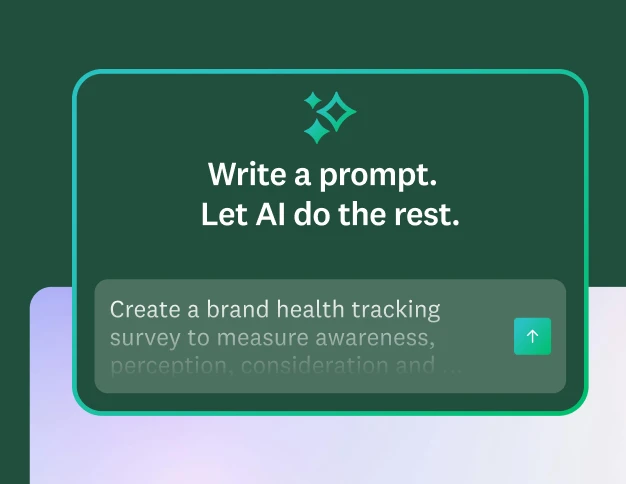
Create surveys and forms in minutes
Easily create surveys and forms by using our advanced, built-in AI.
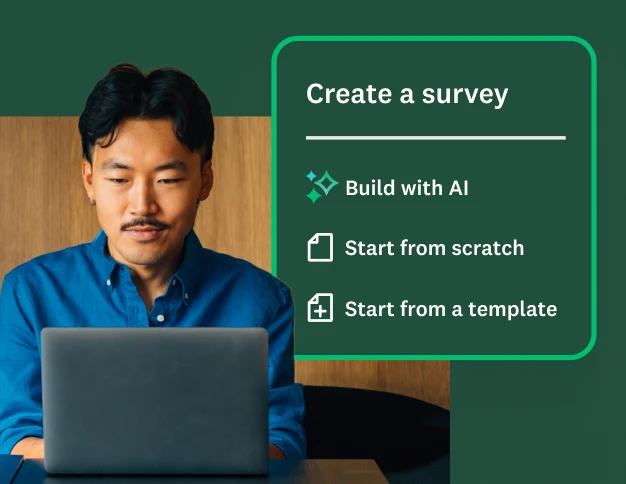
Master the basics of survey creation
Learn best practices for creating surveys on the SurveyMonkey platform.
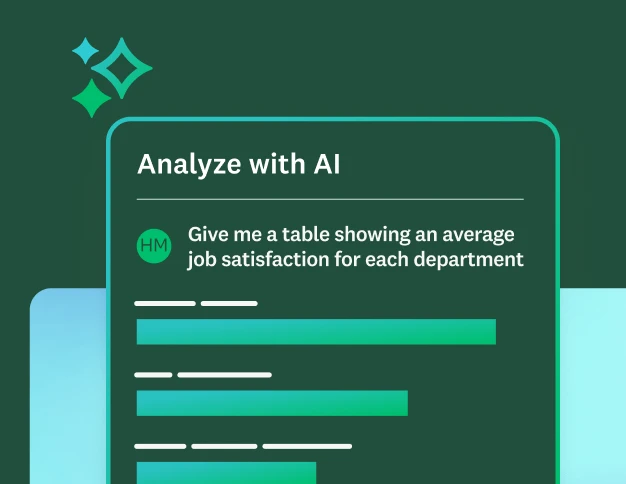
Discover our top features
Explore all SurveyMonkey features that help you get to insights fast.
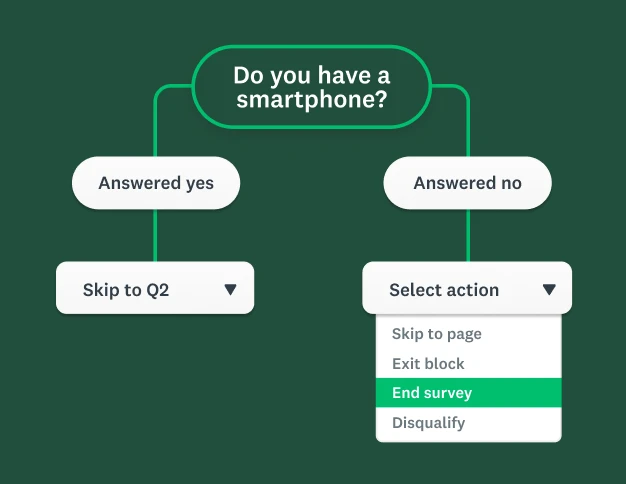
Take your surveys to the next level
Dive deeper into how you can use survey logic to fine-tune your surveys.
Surveys in seconds. Insights in minutes.
Start building better surveys with SurveyMonkey today. Free to try, simple to use and powerful enough to transform feedback into action.