Build forms with SurveyMonkey
Discover the easiest way to create online forms for event registrations, applications, requests, payments and more.








Create and customise online forms in minutes
With our dynamic online form builder, it’s easy to create beautiful forms that take care of business.
Start quickly
Get a jump-start with dozens of expert-designed templates or let Build with AI do the work for you.
Showcase your brand
Customise your forms with specially formatted fields and branding, such as colours, themes and logos.
Collect the right information
Include fields for contact information, payments, file uploads, applications and more.

Easily manage, track and act on form responses
Gather responses your way via your preferred channels. Manage your form submissions and follow up immediately.
Add your form to your website
Embed your form directly onto your website with a simple copy and paste.
Send your way and get notifications
Share your form via email, web link or more. Be notified when you start receiving form submissions so you never miss a beat.
Track responses easily
View entries in a single table for quick results or export to your go-to spreadsheet software.

INTEGRATIONS
Save time and automate workflows with powerful integrations
Automate workflows by integrating your form with more than 200 business tools, including Mailchimp, Google Sheets and popular CRMs, via our app directory. Want more tools? Connect to Zapier to send form submissions to more business systems, from Zendesk to Trello.
Discover top use cases and form templates

Registration forms
Easily collect RSVPs, payments and other attendee information.

Application forms
Seamlessly manage applications for jobs, grants, programmes and more.
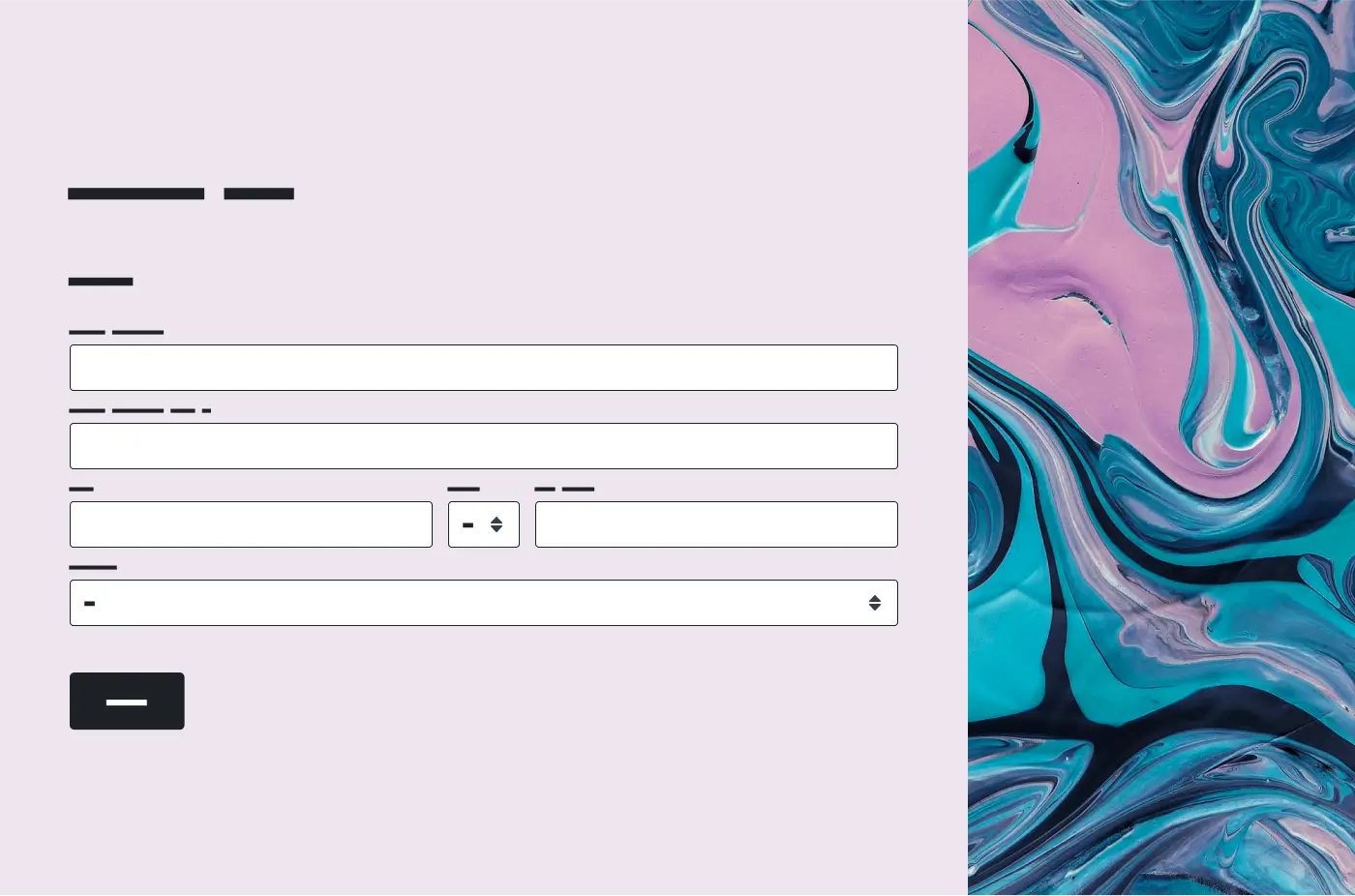
Contact forms
Collect contact information from customers, prospects and more.

Donation and payment forms
Collect donations and payments, directly from your website.

Consent forms
Obtain travel, photo and social media consent from programme participants.

Order forms
Easily receive online purchase orders and payments.
Request forms
Make it simple for users to submit requests for support or new features.

Employment forms
Gather information from employees and candidates. Simplify onboarding.

“SurveyMonkey is a quick and easy way to collect and organise data. Whether it’s client feedback, employee opinions about company policies or changes, or even shirt sizes for the company gift, this tool makes it easy to put together a form, send it to everyone and see the data in real time with the click of a few buttons.”
Small Business Marketing Manager
Want to see how SurveyMonkey stacks up against other form builders?

SurveyMonkey vs. Google Forms

SurveyMonkey vs. Microsoft Forms

SurveyMonkey vs. Typeform

What’s new at SurveyMonkey
Learn about all our latest product updates and feature releases. Create surveys and forms to gain quick feedback and powerful insights.
Plans that suit you or your team
Basic
For anyone just getting started. Create unlimited surveys and collect 25 free responses in each survey.
Individuals
For individual users who need advanced tools and want to save with a flexible, feature-rich plan.
Teams
For growing teams who need great survey tools, branding controls and real-time collaboration features.
Enterprise
For organisations that need secure access, admin tools and powerful integrations at scale.
Need an enterprise-grade solution?
SurveyMonkey Enterprise provides additional features, such as IT administration, SSO, user controls and permissions, HIPAA compliance and more.