AI SURVEY GENERATOR
Smarter surveys start here
Type your prompt. Build your survey in seconds. No sign-up required.
How to create surveys with AI
1. Generate your survey
Describe your survey topic for a complete AI-generated draft, or paste an existing draft to instantly bring it into SurveyMonkey. Start from scratch or refine what you already have in seconds.
2. Customise your survey
Create a polished, on-brand survey using AI to instantly apply your logo and colours. You don't need to be a designer to build a beautiful, trustworthy survey that perfectly matches your brand.
3. Launch with confidence
Use AI-powered tips to fine-tune your structure and fix potential bias. Ensure a better experience for your respondents, leading to higher completion rates and more reliable, high-quality data.
Supercharge survey creation with AI
Build your surveys in seconds with AI
Just describe what you want to find out, and our AI will generate a custom survey draft with recommended questions for you to review and send fast. Tweak and customise the survey to make it your own and launch it with confidence.


Import your surveys into SurveyMonkey with AI
When you copy and paste surveys that you’ve already drafted in Google Docs, Word or any other application into SurveyMonkey, our AI will automatically ensure that they have the right question types and formatting, and they’ll then be ready to launch within minutes.
Incorporate your brand identity with our AI survey theme generator
Upload an image, such as your logo, and our AI will create a custom theme for your survey that matches your brand colours and style – no design skills required.


Fine-tune your survey before you launch, thanks to survey tips
AI-powered survey tips help you identify potential sources of survey bias and any issues with your survey structure and questions. You’ll provide a better survey experience, achieve higher response rates and obtain better data.

Let AI help you choose the appropriate question types
As you write your questions, our AI predicts the best question type (multiple choice, open-ended, rating scale, etc.), meaning that your survey is easy to build.

Get response options automatically with Answer Genius
Write your question and our AI suggests relevant and comprehensive answer options, saving you time and ensuring clear choices for respondents, all supported by survey science.
Explore all of our AI features
Learn how quick and easy it is to create and analyse surveys using SurveyMonkey AI.
How AI can help your organisation create better surveys, faster

Test campaigns and messages in record time
Quickly devise branded surveys to capture customer feedback about ads, content and product messaging before launch.


Discover our capabilities
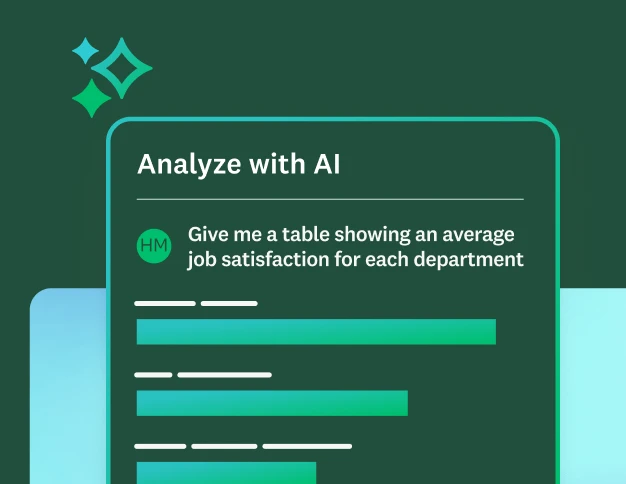
AI features to analyse surveys
Ask questions about your survey responses and identify key themes and sentiment using SurveyMonkey AI.
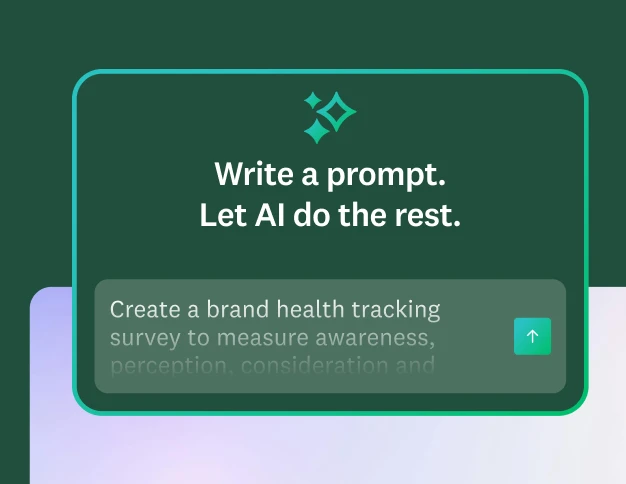
Create better AI prompts
Learn five quick tips for writing prompts that generate high-quality surveys and forms.
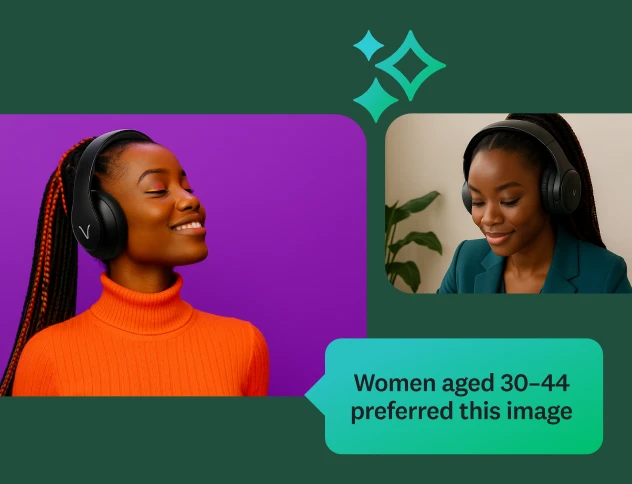
Discover our top features
Explore all SurveyMonkey features that help you get to insights fast.

Our AI principles
Explore the transparency and accountability that guide how we build AI.
Frequently asked questions
- Can AI create a survey for me?
- What are the benefits of creating surveys with AI?
- Can I import my own survey using AI?
- Can I customise an AI-generated survey?
- How do I analyse survey results with AI?
- Why should you feel confident using SurveyMonkey AI?
Surveys in seconds.
Insights in minutes.
Learn how quick and easy it is to create and analyse surveys using SurveyMonkey AI.