Create online evaluation forms to gather meaningful feedback
SurveyMonkey helps HR pros, event leads and educators to collect feedback in order to assess quality, effectiveness and satisfaction.


Easily evaluate events, people and programmes
With a 92% rating for ease of use on G2, we make assessing performance a breeze.
Obtain results that improve future experiences
Measure impact and make confident, data-driven decisions with powerful analytics.
Connect with your go-to tools
Connect your form responses with the tools that your team uses every day, such as Slack and Excel.
Build engaging evaluation forms in minutes
- Save time with expert-designed feedback form templates for events, employee reviews, training, performance and more.
- AI-powered features and our drag-and-drop form builder enable you to create a draft in as little as a minute.
- Use logic to show only relevant questions, creating a fully personalised experience that drives better engagement.
POPULAR FEATURES

Provide measurable feedback to teams and stakeholders
- Automatically categorise open-ended responses and filter by sentiment to gain a better understanding of the most important key factors.
- Instantly turn form feedback into clear, customisable dashboards that make it easy to spot trends, share insights and drive informed decisions.
- Powerful exporting capabilities, including CSV, XLS, PDF and PPT, enable seamless analysis, sharing and reporting.
POPULAR FEATURES

Save time with streamlined evaluation workflows
- Simplify your workflows with 200+ integrations and access evaluation form feedback in the tools that you already use.
- Share responses directly in Microsoft Teams, Slack, Excel and more to easily flag specific feedback for your team.
POPULAR FEATURES

SurveyMonkey integrates with 200+ go-to apps


The Bureau of Education & Research discovers whether training and instructors are resonating
“I’ve never had the opportunity to just scroll through a seminar’s feedback like I can with SurveyMonkey. Even if we have more than a dozen seminars scheduled in a day, I can quickly review and understand what’s happening. The survey results are almost instant. Company-wide, that’s made a big difference.”
─
Lena Vecherkina | Media training manager, Bureau of Education & Research
Plans that suit you or your team
Basic
For anyone just getting started. Create unlimited surveys and collect 25 free responses in each survey.
Individuals
For individual users who need advanced tools and want to save with a flexible, feature-rich plan.
Teams
For growing teams who need great survey tools, branding controls and real-time collaboration features.
Enterprise
For organisations that need secure access, admin tools and powerful integrations at scale.
Have any questions? If so, we’re here with the answers.
- How do I create an evaluation form online?
- What should be included in an evaluation form?
- Which is the best evaluation form builder?
- How do you evaluate employee or event performance?
- Can you use surveys for performance evaluations?
Resources to help you create powerful forms for your business
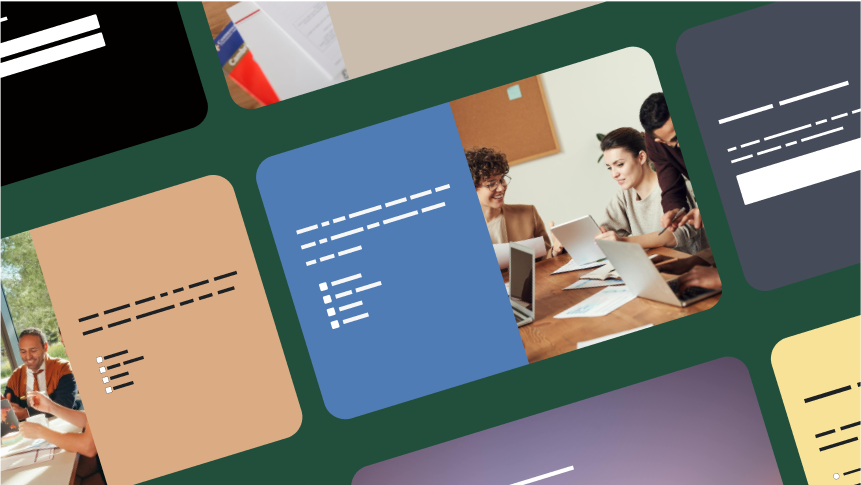
Start with expert-written evaluation form templates
Gather employee, student and event feedback with templates that you can customise with ease.
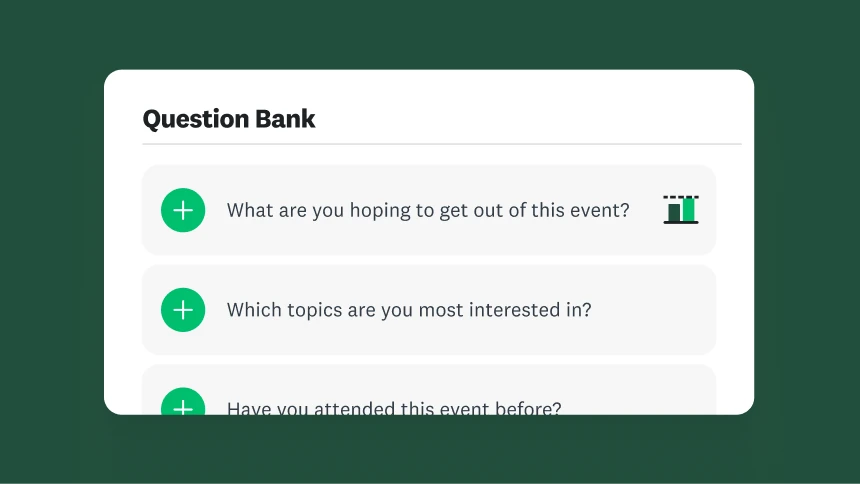
Ramp up your online forms game
Check out online forms best practices and sample survey questions in our learning hub.

How we protect the data that you collect
Learn how SurveyMonkey makes secure online forms a top priority.
Ready to simplify your processes with powerful evaluation forms?
NPS, Net Promoter and Net Promoter Score are registered trademarks of Satmetrix Systems, Inc., Bain & Company and Fred Reichheld.